
Set up Guide: Keyword: Chat Bot: Online Ordering: Print: Social Media: Marketing:
We have partnered with the leading online ordering developer, Gloria Foods
To get started please click the link below to register your partner account
Enter your details and you will receive your back office login details
Create your profile and you are ready to create your first restaurant account
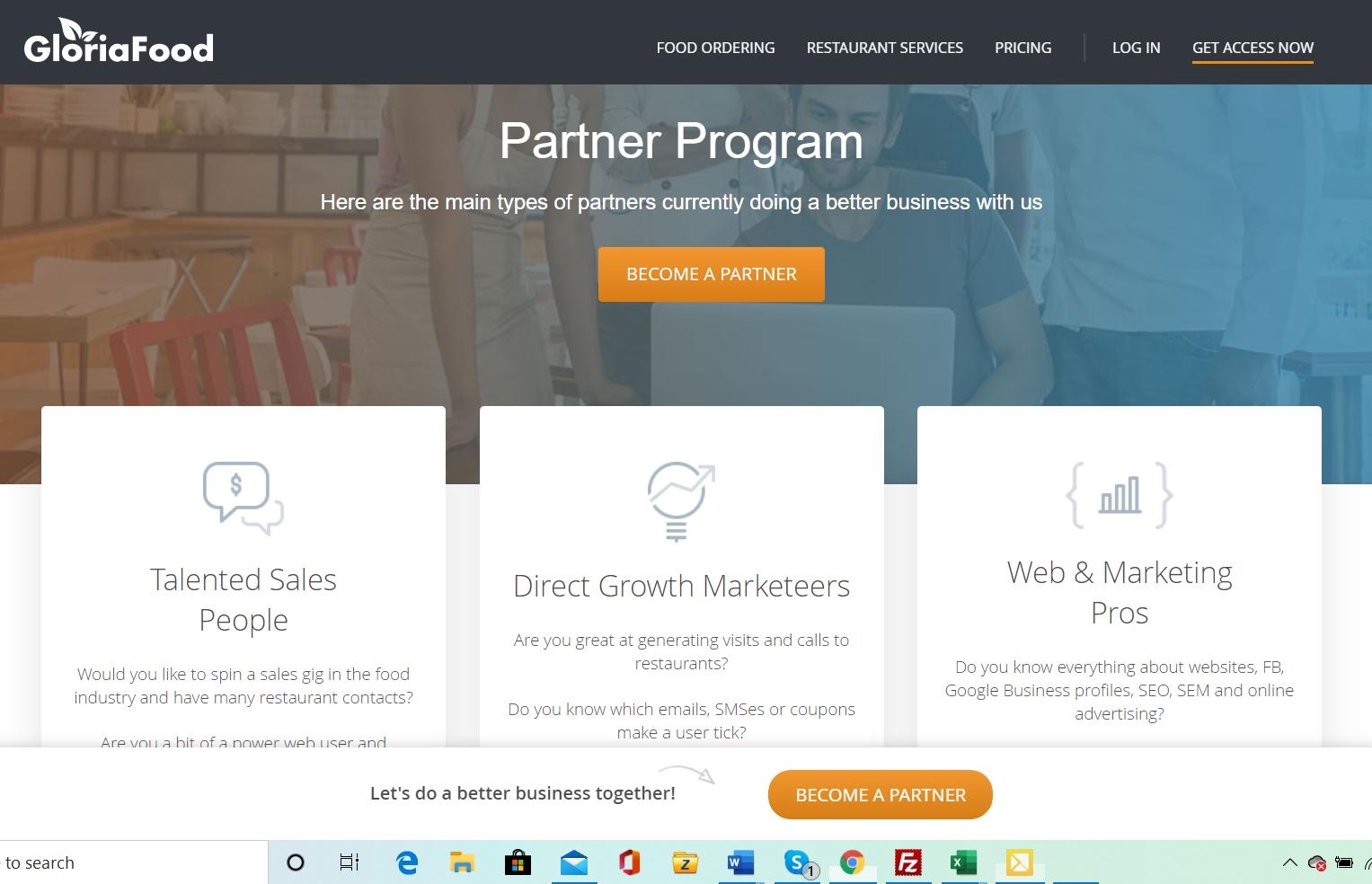
The partner program provides a complete system for FREE and includes
Free Website Ordering Widget
The widget will add a “See MENU & Order” button to your clients website and start sending orders their way.
Free Facebook Ordering App
This app adds a “See MENU & Order” button to your clients Facebook page so their fans can order directly.
Free Mobile Ordering
Online ordering works also for mobile devices. Your clients customers can conveniently order from anywhere they are.
Real-time Ordering
Keep your customer engaged while your clients review the orders and display the order confirmation in real time.
Table Reservations Widget
The widget will add a “Table Reservations” button to your clients website so that customers can easily book a table in advance.
Order Ahead for Reservations
When enabled, this feature allows your clients customers to order food in advance when making a table reservation.
Pictures in Menu
We supply a free photo stock of delicious food images. Feel free to use them on your clients site or upload your own to create great-looking menus.
Order for Later
Allows customers to order now and schedule a later pickup or delivery. This way your clients can take orders 24/7 and make money while they sleep!
Detailed Reports
Take business decisions based on relevant data from the reporting dashboard. Provide your clients with a full range or reports
Run a Promo or Coupon Deal
The discount is automatically added to the online order and you can create 1 coupon included in the free system
You can also earn additional commissions selling paid services and you will see the range of additional services and the costs to provide once you register and login
We suggest spending some time getting a feel for the set up using the built-in demo version of a restaurant set up which is included for all partner accounts and start by setting up a restaurant with the free system
Once the restaurant is comfortable with the system and making money you can introduce additional paid services which will add further revenue for the restaurant and earn you additional commissions
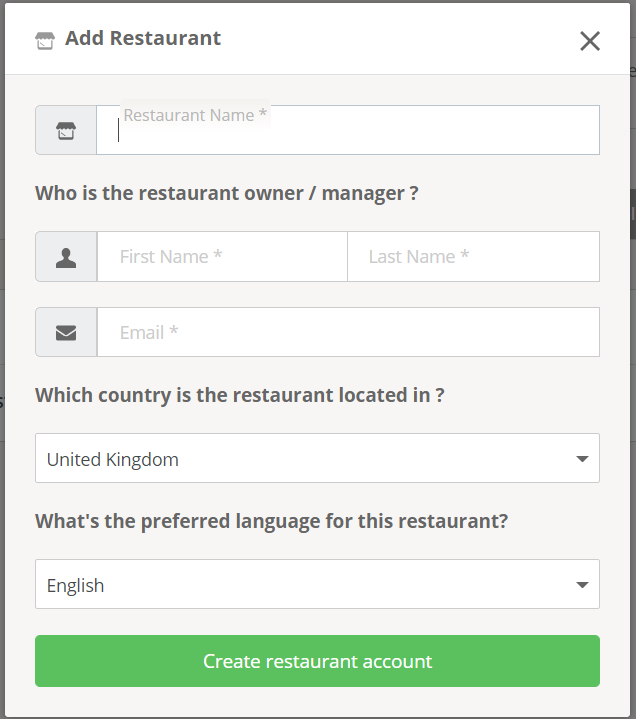
To create your first restaurant account click “add restaurant” and follow the set-up wizard prompts
You will need the basic contact information of the restaurant and the services the restaurant wants to set up
The set up requires the confirmation of the restaurant owner/manager and an email is sent to confirm the request
The set-up wizard will complete the following information and once completed the online ordering system is ready to go
Restaurant basics
Services & opening hours
Payment, taxes & legal
Menu setup/receive orders
Publishing
Sales optimized website
Legacy website
Shared mobile app
Branded mobile app
How to promote this service
The typical restaurant owners/managers are mainly “old school” people used to talk face to face over a coffee or on the phone and cultivate real-life human bonding with their business partners, clients etc.
We have a real solution to both the short and long term issues facing all restaurant owners so focus on the pressing issue of getting a restaurant open and trading again and showcase the online ordering system using the demo and explainer videos below
Both the videos below refer to delivery services but this system is used for collection and pick up orders in exactly the same way and all of the features required for you to provide this full service are included for FREE in your account